Menu
Get started
World ID Bot Prevention
Stop bots on your CloudFront website with World ID. Visitors prove that they are human with World App, and everything runs in your own AWS account.
World ID Bot Prevention adds a human check to a website that you serve through Amazon CloudFront. AWS WAF Bot Control finds likely bots. When a request looks automated, or goes to a path that you always protect, the visitor verifies with World ID before CloudFront sends the request to your origin.
A verified visitor gets a session cookie and continues to the page they asked for. Other visitors see no change. You install it from AWS Marketplace with one CloudFormation stack, and AWS bills it with your other AWS usage.
What visitors see
A visitor who must verify sees a Verify you are human page at the URL that they opened. The page comes from your CloudFront distribution, not from a third-party domain.
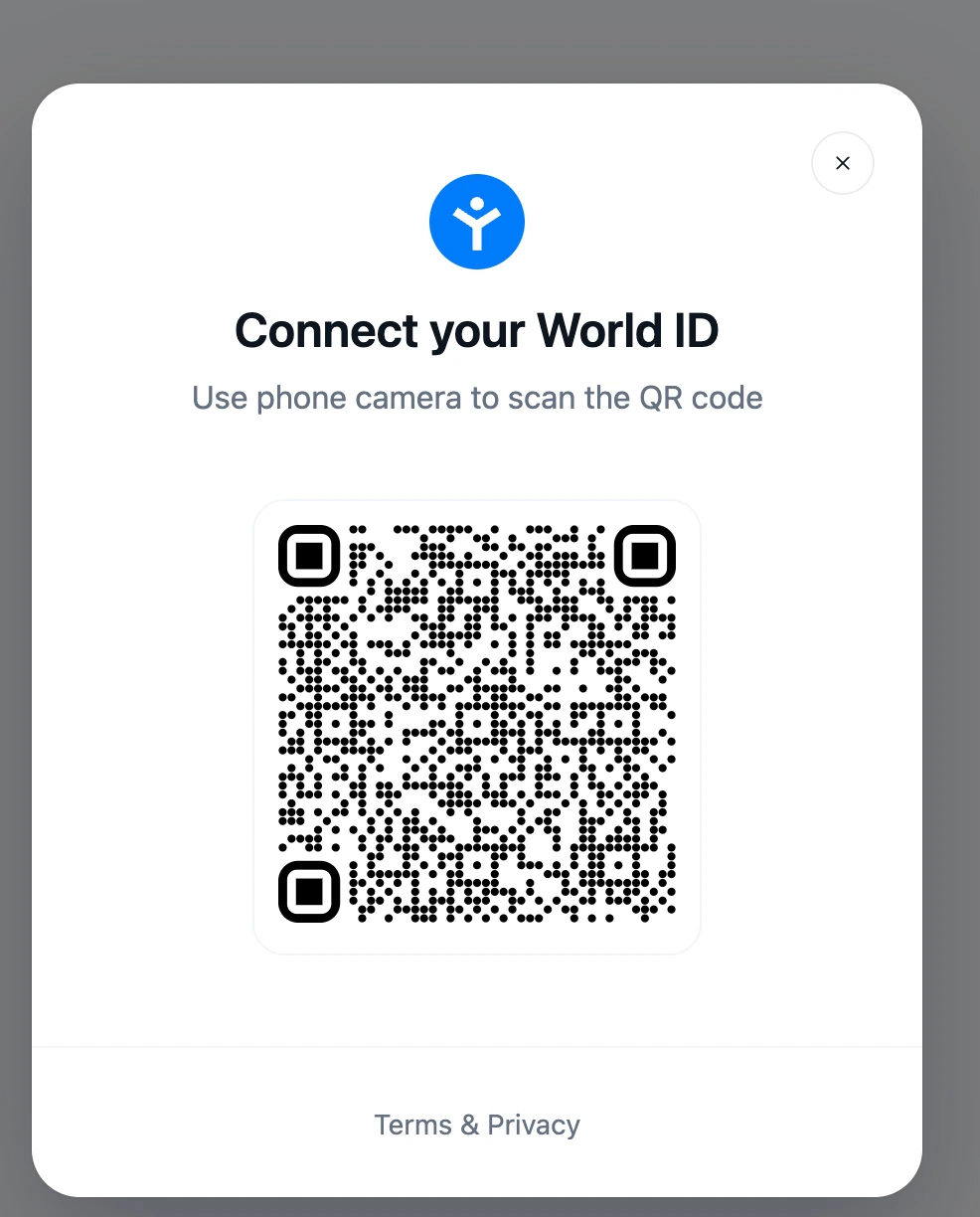
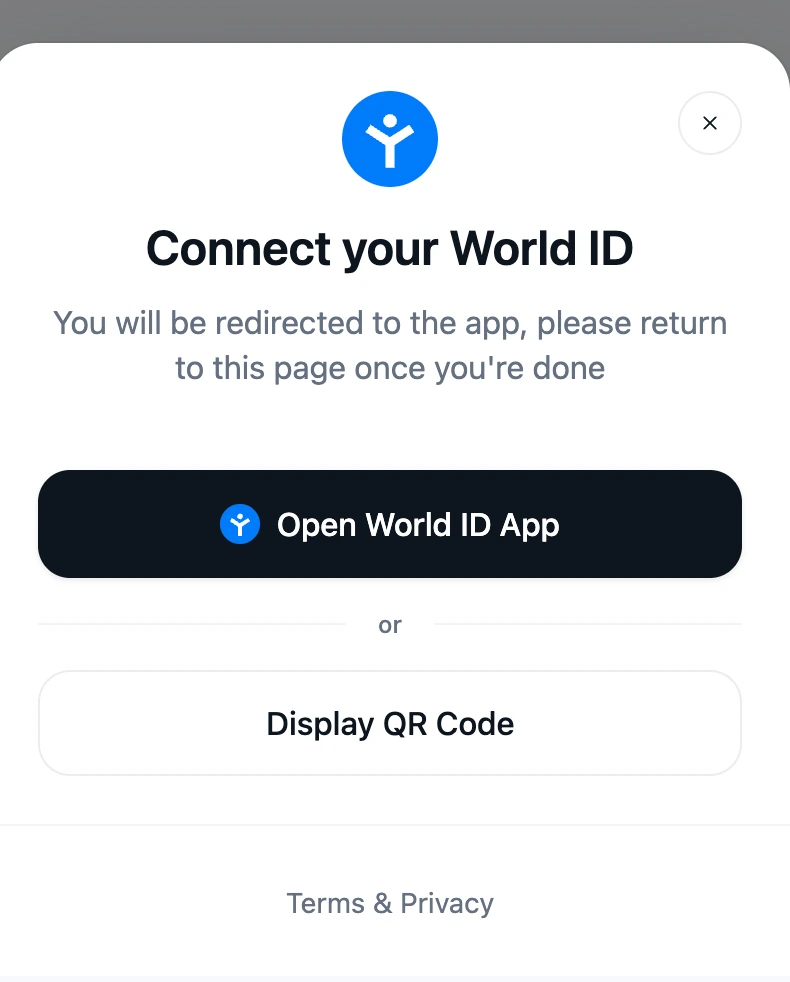
Scan or tap
On a computer, the page shows a QR code to scan with World App. On a phone, Open World ID App opens World App directly.
Prove in World App
World App creates a zero-knowledge proof that the visitor is a unique human. The visitor shares no name, email address or other personal data with your website.
Continue
The page reloads and shows the content. The session lasts 24 hours by default, so the visitor does not verify again on every page.
Why World ID
- One human, one session. A World ID can get one session per website in each verification window. One person cannot create sessions for a fleet of bots.
- Private by design. The proof shows that the visitor is a unique human and nothing else. Your website receives no personal data.
- No puzzles. Visitors scan a code or tap a button. They do not solve CAPTCHAs.
- Only suspicious traffic. By default, only requests that Bot Control labels as likely bots are challenged. You can also protect sensitive paths, or the whole site, for every visitor.
Runs in your AWS account
The CloudFormation stack installs everything in your AWS account, in us-east-1: the AWS WAF rules, a CloudFront Function, a verification API on AWS Lambda, the cookie keys and the replay state. Your RP signing key stays in your AWS KMS.
World does not receive your visitor traffic, keys, cookies or proofs, and has no access to your AWS account. See How it works for the full architecture.
Pricing
You pay per verification, at the price on the AWS Marketplace listing. A verification is billed when a World ID verifies on your website for the first time in a verification window. Retries and page loads with a valid session are not billed. The charge appears on your AWS bill.
AWS also bills the resources in your account. The largest item is usually AWS WAF Bot Control: $10 per month per Web ACL, plus $10 per million inspected requests after the first million each month. A small website pays about $26 per month. See AWS costs for an estimate of your website.
Get started
After you subscribe and register, the World ID team contacts you within 48 hours and sets up World ID with you. The installation itself takes about 30 minutes. It has these steps:
- SubscribeAWS Marketplace
- RegisterRegistration page
- OnboardingWorld ID team
- Signing keyAWS KMS
- World ID appDeveloper Portal
- LaunchSetup page
- SettingsCloudFormation
- TestYour website